

Diagnosis: booking-first infrastructure, then templates.
This page targets the solo practice physician website builder cluster plus related searches like physician website design, healthcare website builder, and create a medical practice website. For general platform comparisons, read our doctor website builder guide. For solo-specific launch checks, use the 2026 doctor website checklist.
Solo practice is not a mini hospital site

Hospital websites need department silos, residency pages, and a gift shop nobody asked for. Your solo clinic needs a digital front door with the circulation of a well-run urgent lane—not a twelve-floor sitemap.
Nine times out of ten, a solo doc buys a builder because a sales page showed forty specialty templates. Then the live site lists every fellowship rotation since 2004 and hides the booking button under "About." Patients bounce. The algorithm notices. Your front desk still answers the same three phone questions all day.
Scope the build like a focused consult: one provider, one location (maybe two), clear services in plain language, insurance or new-patient path, and a working mobile book action. Everything else is elective until those convert.
Builder types: DIY, healthcare SaaS, and custom
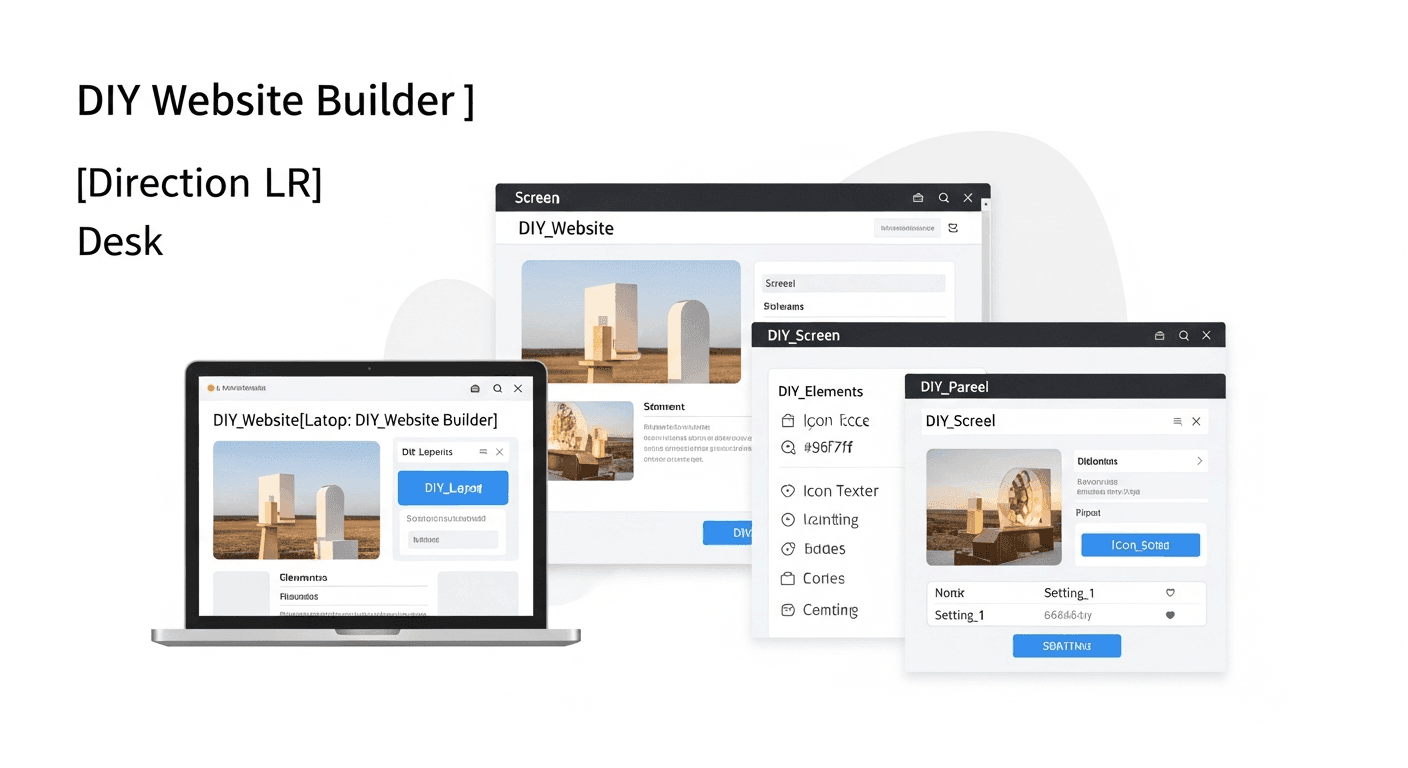
SERP listicles rank Wix, Squarespace, and WordPress next to Dr. Leonardo and KiwiHealth-style healthcare SaaS. All can work. The wrong choice is usually about maintenance bandwidth, not logo color.
DIY general builders fit when you need a fast launch, you will not collect clinical detail on marketing forms, and someone at the front desk can update hours monthly. Healthcare SaaS builders fit when you want scheduling widgets, condition libraries, and specialty skins without hiring a dev—read the contract for domain ownership first. Custom or freelancer builds fit when you need owned hosting, bespoke service-page architecture, or a handoff your team can maintain; see freelance healthcare website designers for vetting.
Template galleries are seductive. Medical website templates are the paint. Booking flow and account ownership are the foundation.
Minimum pages before you add blog posts
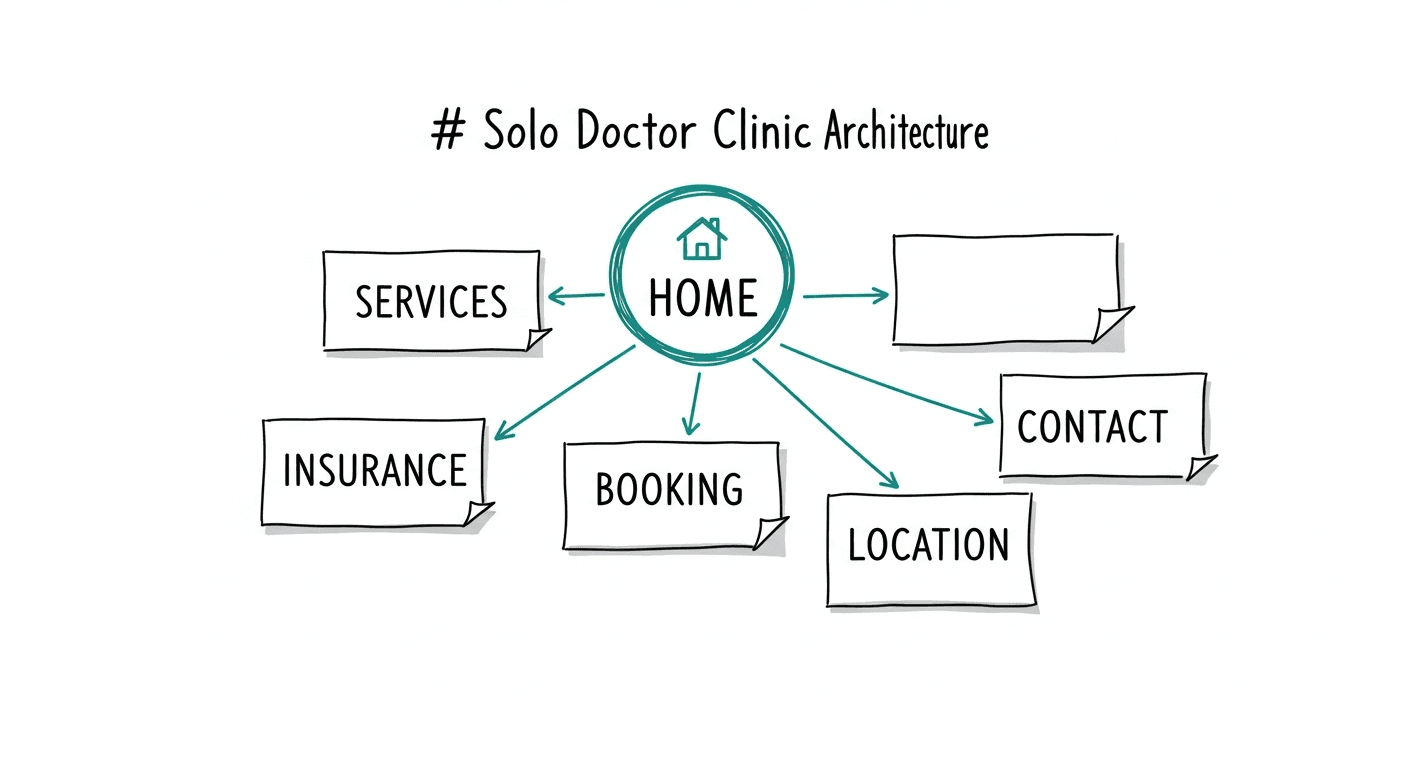
Launch with a short list, not a content calendar fantasy. Home answers who you are and how to book. Each core service gets its own page titled the way patients search—not how the billing department labels CPT buckets.
Add insurance or new-patient expectations, contact with consistent NAP data, and one location page that mirrors your Google Business Profile. Blog posts about "wellness tips" can wait until a stranger can book from a phone in under a minute.
Match page titles to intent before you match fonts to a hospital brand guide. That order is what separates a best website for doctors list from a site that actually fills slots.
HIPAA intake without an IT department
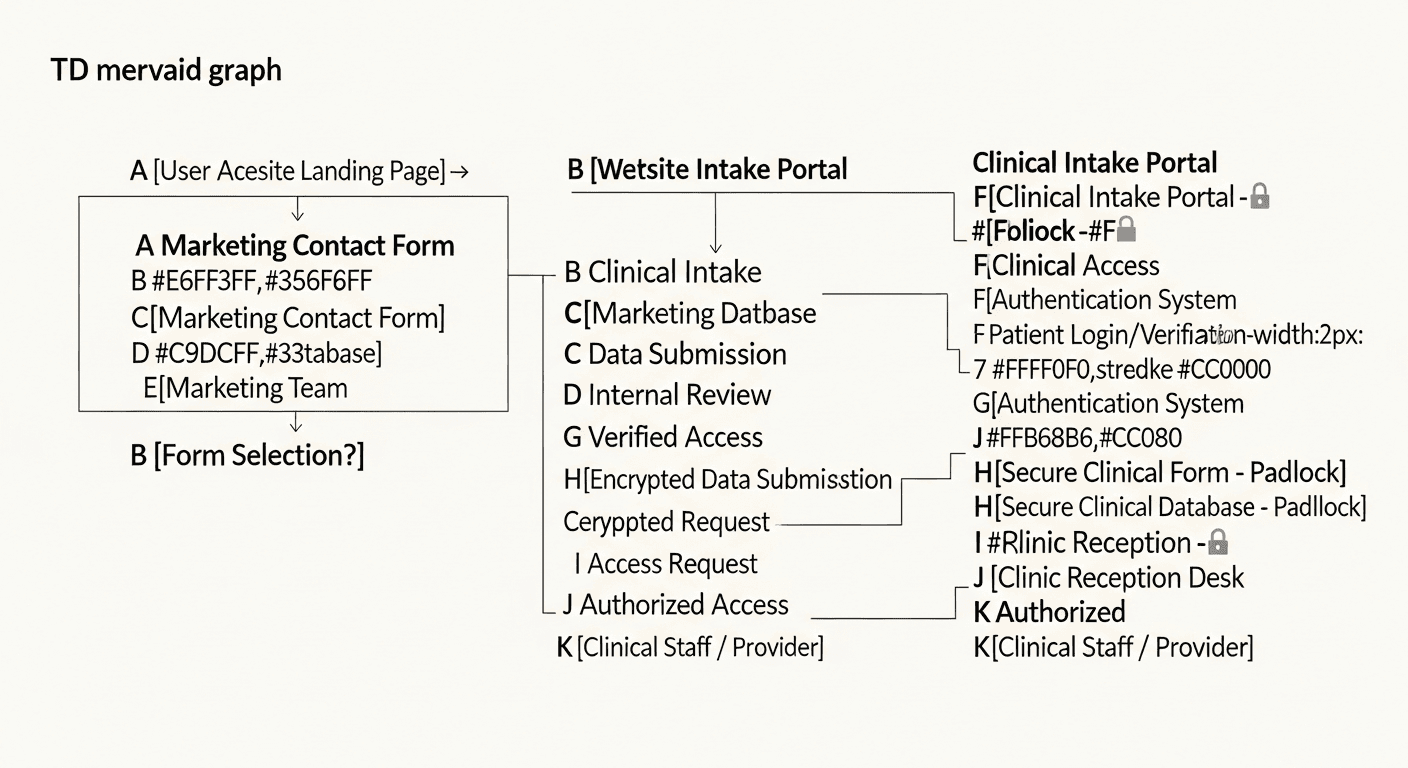
Tweaking headline copy on a Saturday is fine. Routing protected health information through a generic contact form because the plugin said "HIPAA friendly" is the digital equivalent of touching the gas line because the wrench looked official.
Keep marketing inquiries separate from clinical intake. Name, phone, and preferred appointment window on the public site; medical history through your EHR portal or another stack with proper agreements and controls. HHS publishes the baseline in HIPAA for Professionals. Read it before your receptionist pastes intake questions into a website widget.
A HIPAA compliant website builder label on a pricing page is not a BAA. If you cannot explain where data lands after submit, stop and fix that before you buy more traffic.
Top US cities to launch local pages first

Solo physicians in competitive metros win by clarity, not by cloning ten thin city pages with swapped headers. Start where patient demand and map competition are densest, then expand only if you truly serve those areas.
We rank launch priority in three tiers. Tier 1 metros—where map packs get crowded fast—are New York, Los Angeles, Chicago, and Houston. Tier 2: Phoenix, Philadelphia, Dallas, Miami, San Diego, and San Antonio. Tier 3: Atlanta, Boston, Seattle, Denver, and Washington DC. One strong location page with real NAP, services, and booking beats a spreadsheet of doorway URLs.
| Tier | Metro | First local page should prove |
|---|---|---|
| 1 | New York | Exact address, transit or parking note, services you actually offer locally, click-to-call and booking above the fold |
| 1 | Los Angeles | Neighborhood name patients use, insurance or cash-pay clarity, mobile speed on LTE |
| 1 | Chicago | Consistent phone with GBP, winter-hours accuracy, service pages linked from location hub |
| 1 | Houston | Submarket you serve (not all of Harris County), new-patient paperwork path, Spanish copy if your panel needs it |
| 2 | Phoenix, Philadelphia, Dallas, Miami | Heat or commute context where relevant, duplicate listing cleanup, reviews tied to location entity |
| 2 | San Diego, San Antonio | Military or bilingual intake notes if applicable, one primary CTA to book or call |
Performance still matters nationally. Use web.dev Web Vitals as the public benchmark before you chase city keywords.
When not to hire us yet

Claim your Google Business Profile before you spend on a new site. That is the opinion we repeat because it is true: local discovery starts on the map, and the profile is free. Finish categories, hours, services, and the phone number your staff actually answers.
We still hear discovery calls where the previous agency registered the clinic domain under agency credentials. The practice cannot leave without losing the URL. That hostage-domain pattern is why we insist clinics own domain, hosting, analytics, and ad accounts from day one—before any builder subscription autorenews.
If mobile booking breaks, fix that before a retainer. If you need line-item pricing context first, read doctor website cost. When basics are stable, see how it works or pricing.
Straight answers
What is the best website builder for a solo practice physician?
The one your team can maintain: fast mobile pages, clear booking, owned accounts, and HIPAA-safe form boundaries.
Can a solo doctor use Wix or Squarespace?
Yes, with tight scope. Keep clinical detail off marketing forms and route intake through approved systems.
How many pages at launch?
Home, core services, insurance or new-patient info, booking, contact, and one location hub tied to your profile.
Is a healthcare builder HIPAA compliant by default?
No. Architecture, data flow, and agreements decide compliance—not a badge.
Freelancer or SaaS builder?
SaaS for speed inside platform limits; freelancer or agency path for custom IA and owned hosting.
Which US cities first?
Tier 1: New York, Los Angeles, Chicago, Houston. Expand only where you truly serve patients.
When fix Google Business Profile before rebuilding?
When it is unclaimed, incomplete, or sending calls to the wrong number—always before paid help.
Pick the builder your front desk can run on a slow Tuesday. Go finish your charting. If the basics are stable and you want a growth plan, book a discovery call on pricing.